Mantle

Spaces on the map
Give each space a place on the map, report a problem from any page, let AI review your procedures, export your inventory to Excel and see class results at a glance, plus surveys that now have their own home.
Spaces on the map
Every space in Facilities can now carry a location. Start typing an address and pick from the suggestions, or drop a pin on the map. The space's page shows a Location card with the map and the address, so visitors know where to go.
Report a problem from anywhere
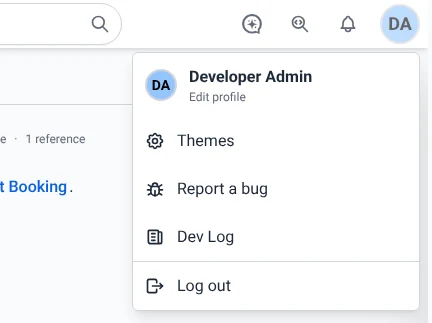
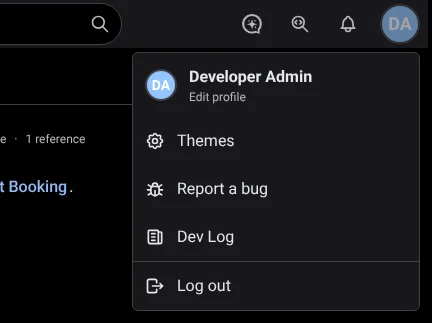
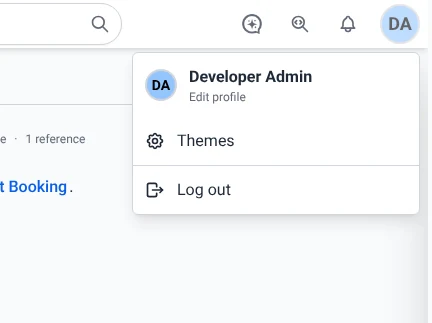
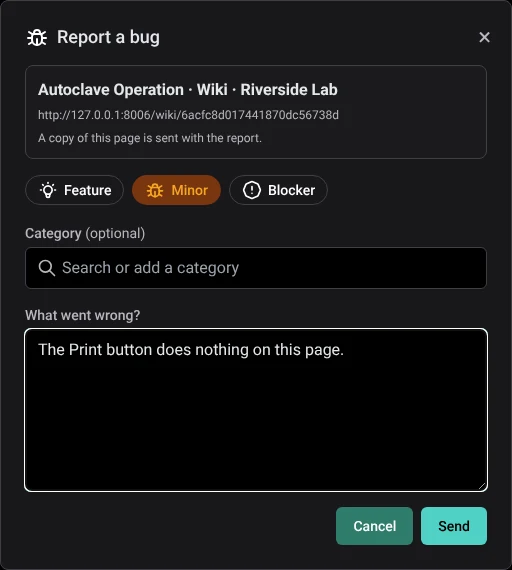
Spotted something that doesn't look right? Open your profile menu and choose Report a bug. Describe what happened and send it without leaving the page you are on. Site administrators get a list of every report, each with its own page showing the details and who sent it.
 BeforeAfter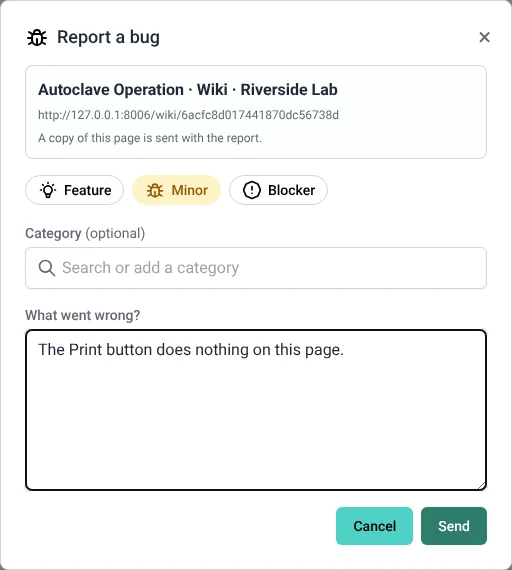
AI review for procedures
Procedures can now be reviewed by AI. It reads a procedure and suggests improvements, such as a missing safety step or an unclear instruction. Each suggestion can be applied with one click or dismissed. Find it on any procedure in Procedures.
Surveys get their own home
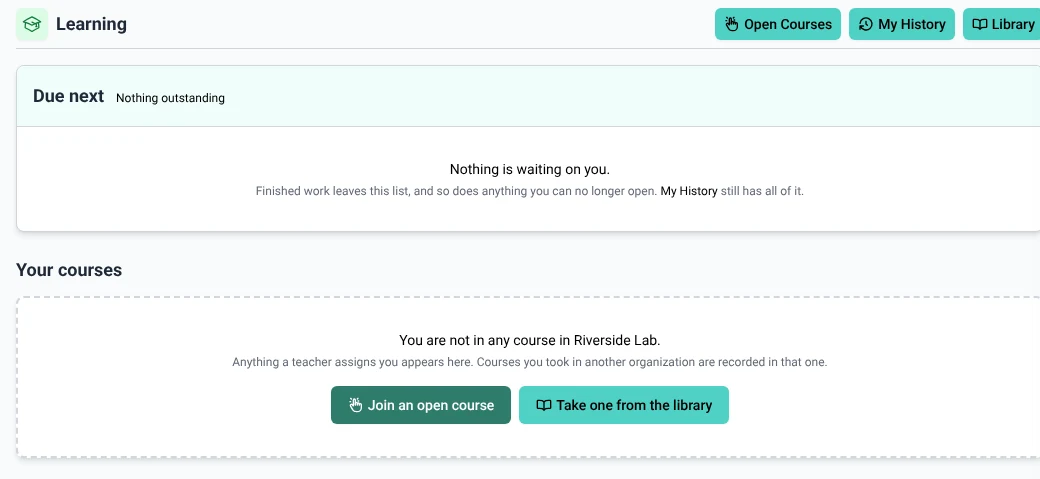
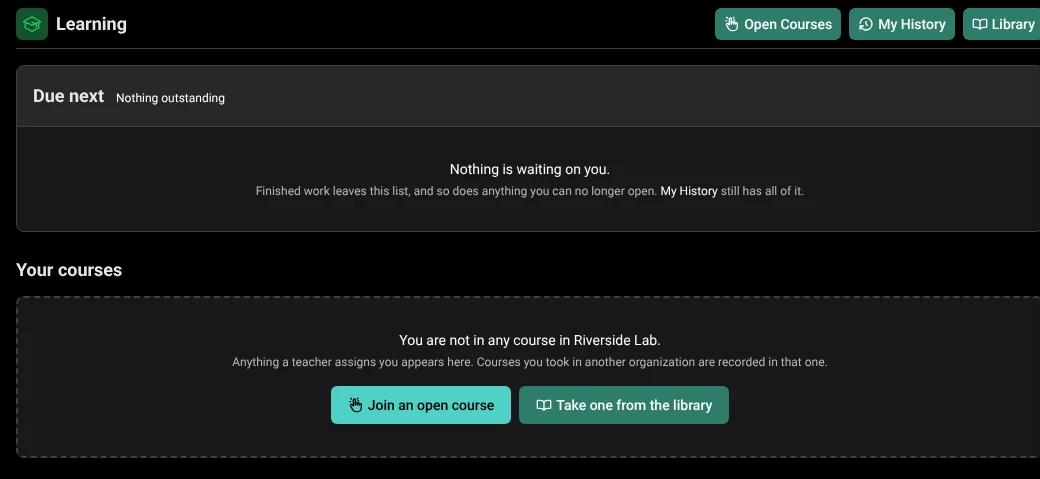
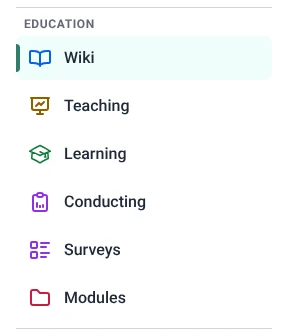
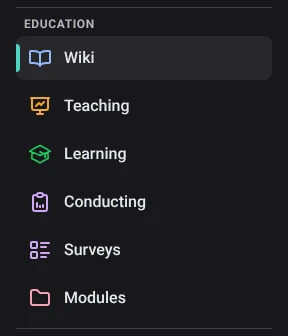
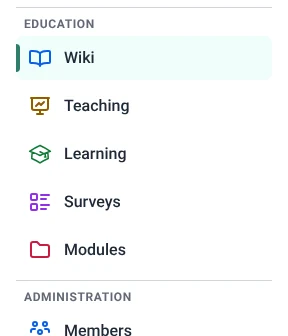
Running a survey and building one are now two separate places. Conducting is where you send surveys out and follow the responses; Surveys is where you write them. Each has its own permission, so you can let people run surveys without letting them edit the questions. Both sit in the sidebar under Education: Conducting and Surveys.
 BeforeAfter
Export inventory to Excel
A new download button in Inventory saves your catalog as an Excel spreadsheet. The file holds exactly what you are looking at, so filter or search first to export only the items you need.



 BeforeAfter
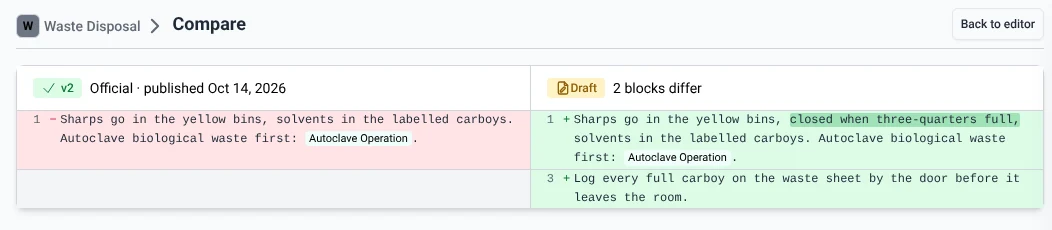
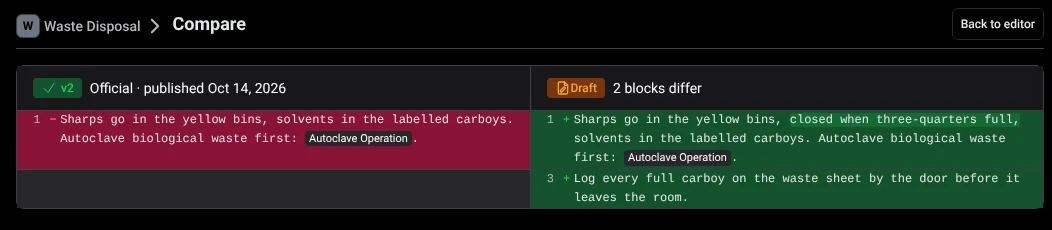
Procedure versions keep their own name and icon
When a procedure is renamed or given a new icon, older versions keep the name and icon they had at the time. Looking back through a procedure's history in Procedures now shows each version exactly as it was.
Teams inside teams
Teams can now contain other teams. A department can hold its labs, and a lab its working groups. Anyone in a smaller team is counted in the larger one, so sharing with a department reaches everyone in it. Manage teams from Members.
Class results at a glance
Class results in Teaching are easier to read. Each student's progress is drawn as a row of dots coloured by result, and the new Score Chart shows how the whole class did on every question. Results pages now work on phones too.
Matching with an official list
Matching tools in Modules now start from an official list of entries, which AI can write for you from your files or a few typed lines. From that list, Mantle builds rounds of pairs or small groups, keeps people from meeting twice, and lets you adjust any round by hand.
A little sparkle
Pinning a page, starring an item, marking a step done and similar actions now answer with a brief sparkle, so you can see at once that it worked.